Collecting society maintenance online by UPI: a treasurer’s guide
HousingMS Team · 6 Oct 2026 · 2 min read
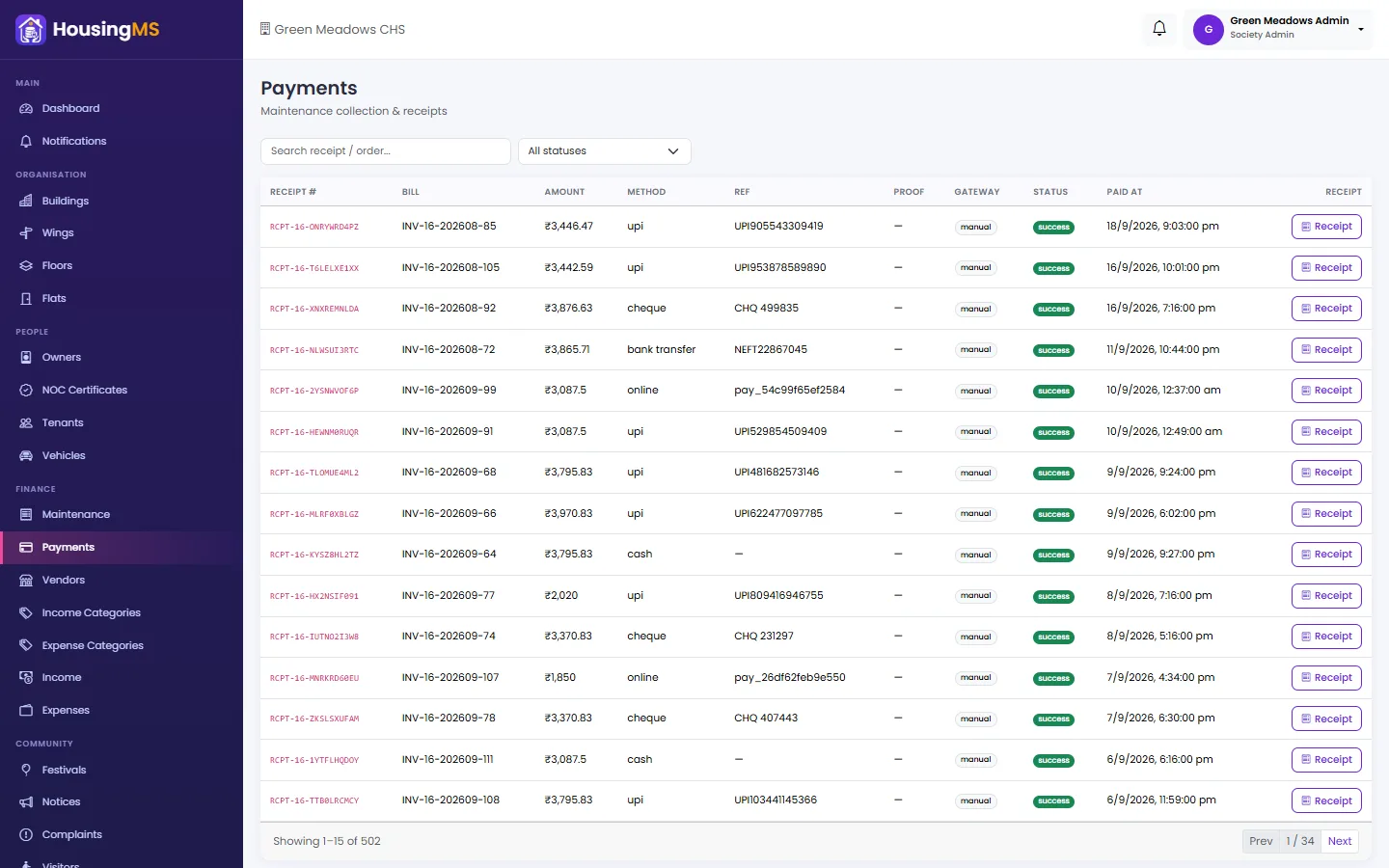
Ask any society treasurer what takes the most time and the answer is the same: matching payments to flats. A UPI screenshot on WhatsApp, a cheque in the letterbox, cash handed to the watchman — and a register that never quite adds up.
The problem with "just send us a UPI screenshot"
- Screenshots get lost in the group chat.
- The amount doesn't say which flat or which month it is for.
- Someone has to type it all into a spreadsheet and send a receipt by hand.
What good online collection looks like
1. Pay against the bill, not into a void. The resident opens their bill and pays it — so every rupee is already linked to the right flat and month.
2. Every payment method in one place. UPI, cards and net banking online; cash, cheque and direct bank transfers recorded by the committee with the reference number and a photo of the proof.
3. Part payments are allowed. If a resident pays half now and half next week, the balance stays due on their bill and ledger instead of being lost.
4. A note with every payment. "Paid by tenant", "includes last month's dues" — a short note saves a phone call later.
5. Automatic receipts. A receipt is emailed the moment a payment is made.
Where does the money go?
With a payment gateway such as Razorpay, the society connects its own gateway account, and payments settle to the society's bank account. The gateway charges a small fee per transaction — check the current rates before you start.
How HousingMS does it
In HousingMS online payments, residents tap Pay on their bill in the app, choose the full amount or a part, add an optional note and pay by UPI, card or net banking. The bill, the member ledger and the dashboard update instantly, and a receipt is emailed. Offline payments are recorded in the same register, so the books always match.